ReverseMarkdown passes 7.5M downloads; 6.3.0 halves memory on real-world pages
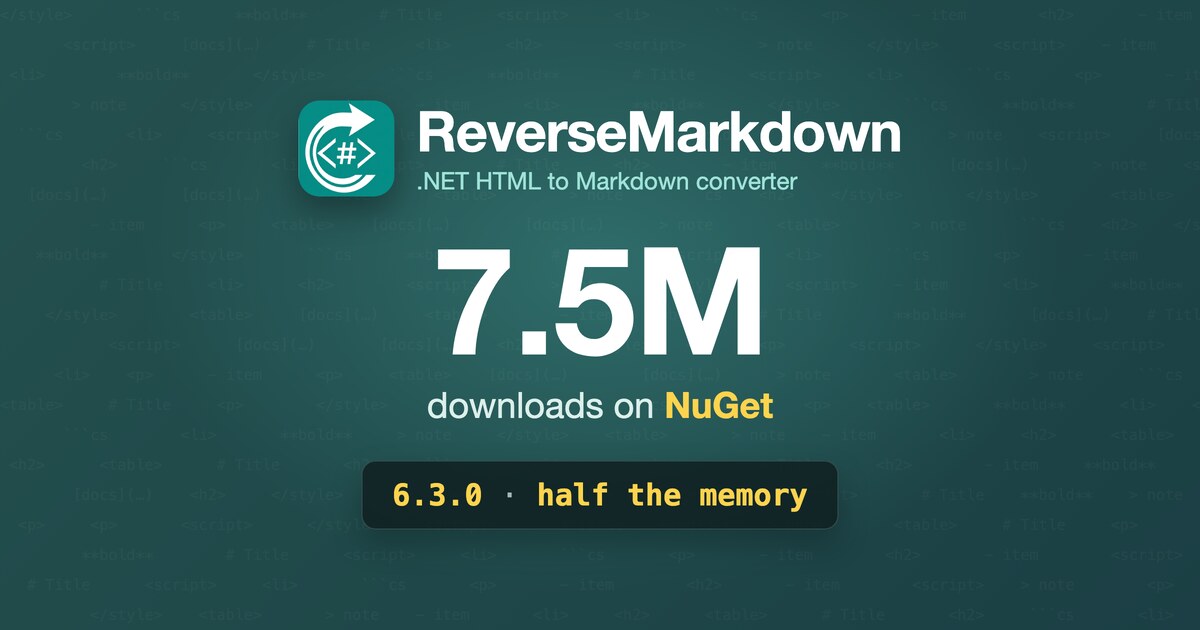
ReverseMarkdown has passed 7.5 million downloads on NuGet. In January, when 5.0.0 shipped, it was at 3.7M. The first million took more than seven years (the package went up in July 2015 and was still under 500K at the end of 2021), and this year alone added more than the library’s entire history before it.
| Date | Total downloads | Added | Per day |
|---|---|---|---|
| January 2025 | 2.2M | ||
| January 2026 (5.0.0) | 3.7M | +1.5M in 12 months | ~4,100 |
| August 2026 (6.2.1) | 6.4M | +2.7M in 7.5 months | ~11,700 |
| October 2026 (6.3.0) | 7.5M | +1.1M in 8 weeks | ~20,000 |
The library more than doubled its all-time download count in under ten months, and over the last eight weeks it has averaged around 20,000 downloads a day, nearly five times last year’s pace.
I don’t think that is because HTML to Markdown suddenly got more interesting as a problem. It is because Markdown became the format LLMs read. Every RAG pipeline, documentation assistant and agent that browses the web needs to turn HTML into something compact and structured enough to be worth spending context tokens on, and a lot of those in .NET land on ReverseMarkdown. That is also why so much of this year’s work has been about real-world HTML: the preprocessing pipeline for stripping page chrome, InlineText table cells for Markdown that gets read rather than rendered, and now a benchmark corpus built from the kind of pages those pipelines actually feed in.
The release that lands on top of that, 6.3.0, is small by line count and satisfying by effect:
- Allocations drop on every real-world page in the benchmark corpus, by 50 to 58% on the script-heavy ones.
- Conversion time improves by 15% on the GitHub Markdown page and 13% on small pages.
- New
Convert(html, TextWriter)andConvertAsync(...)overloads write Markdown straight to a file or an HTTP response. - No breaking changes. Everything new is additive.
Benchmarking pages people actually convert
Until now, ReverseMarkdown’s benchmarks used synthetic fixtures: a thousand paragraphs, ten thousand paragraphs, one very large HTML file. They are good at catching regressions in the core pipeline and bad at telling you what happens on the HTML that shows up in practice.
For 6.3.0 I measured against a corpus of real pages instead: Wikipedia articles, framework docs (React, Vue, Nuxt), MDN and a GitHub-rendered Markdown page, borrowed from the mdream project. The first run pointed straight at a problem the synthetic fixtures could never have found.
The fix: one copy per tag became one pass
Real pages are full of <script> and <style> elements, and some of them are not closed properly. ReverseMarkdown has a cleanup pass that deals with unclosed <script> and <style> tags before parsing. That pass copied the rest of the document once per tag it handled.
On a hand-written HTML fragment with no scripts, the cost is zero. On a modern documentation page with dozens of inline scripts, JSON-LD blocks and style tags, it is dozens of near-full-size string copies on every single conversion. The work was quadratic in disguise: it grew with page size multiplied by tag count.
The pass now runs in linear time, walking the document once. Here is what that does, measured with BenchmarkDotNet, published 6.2.1 against 6.3.0, default flavor, .NET 9.0 on an Apple M1, three launches each:
| Page | Size | Mean time 6.2.1 → 6.3.0 | Allocated 6.2.1 → 6.3.0 |
|---|---|---|---|
| nuxt-example | 3.5 KB | 72.7 → 62.9 μs (-13%) | 133.9 → 105.6 KB (-21%) |
| vuejs-docs | 110 KB | 4.39 → 4.32 ms (-2%) | 4.82 → 3.30 MB (-32%) |
| wikipedia-small | 162 KB | 7.49 → 7.42 ms (-1%) | 7.70 → 6.19 MB (-20%) |
| mdn-array | 230 KB | 9.77 → 9.69 ms (-1%) | 17.68 → 8.00 MB (-55%) |
| react-learn | 259 KB | 10.32 → 10.01 ms (-3%) | 13.99 → 6.97 MB (-50%) |
| github-markdown-complete | 420 KB | 11.57 → 9.79 ms (-15%) | 24.68 → 10.48 MB (-58%) |
| wikipedia-largest | 1.77 MB | 175.1 → 176.4 ms (+1%) | 222.5 → 198.6 MB (-11%) |
To read this honestly: allocations are deterministic, so every number in that column is a real reduction. Timings are not. The clear wins are github-markdown-complete (-15%) and nuxt-example (-13%). Everything else is within ±3%, which is inside run-to-run noise, so treat those pages as unchanged in speed.
Why bother if the time barely moves? Because the memory is where a busy service feels it. Halving allocations per conversion means half the garbage for the GC to collect, and when you are converting thousands of pages for a crawler or a RAG ingestion job, that shows up as steadier throughput and fewer Gen 2 pauses long before it shows up in a single-conversion stopwatch.
Write Markdown to a TextWriter
The second half of the release goes after the other big allocation: the output string itself. Convert returns the whole Markdown document as a string, and if you are about to write that string to a file, you have paid for a full-size copy just to throw it away.
6.3.0 adds overloads that take a TextWriter and write to it directly:
var converter = new Converter();

// Renders straight into the writer: the Markdown is never held as one string.
using var file = new StreamWriter("page.md");
converter.Convert(html, file);
Render gets the same treatment, for when you have already parsed the document and maybe transformed the Markdown DOM:
var converter = new Converter();

var document = converter.Parse(html);
converter.Render(document, output);
The output is byte-for-byte identical to the string overloads, including trimming and Formatting.OutputLineEnding. The converter writes but never flushes, closes or disposes the writer; that stays with you.
And asynchronously, for ASP.NET Core
ASP.NET Core disallows synchronous writes to the response body by default, so a StreamWriter over Response.Body throws InvalidOperationException as soon as its buffer fills. ConvertAsync and RenderAsync await every write and take a CancellationToken:
var converter = new Converter();

// For a stream that disallows synchronous writes, such as an ASP.NET Core response body.
// leaveOpen: the stream belongs to the caller; disposing the writer flushes it asynchronously.
await using var writer = new StreamWriter(responseBody, leaveOpen: true);
await converter.ConvertAsync(html, writer, cancellationToken);
A few things worth knowing before you reach for these:
- The win is peak memory, not speed. The converter still renders into an internal buffer; it skips the full-size copies the string overload makes to produce the final string.
- Only the output streams. The HTML input is still a string, parsed into an in-memory document before anything is written.
- Parsing and rendering stay synchronous in the async overloads. Only the writes are awaited.
- Slack, CommonMark and GitHub flavors still build the string internally before writing it out. The output is correct, but there is no memory saving with those three yet.
Other changes
- Custom writers deriving from
MarkdownWriterBaseget a protectedWritePostamblehook for content after the body and footnotes. MultiMarkdown abbreviation definitions now use it. - Benchmark tooling for contributors: a script to fetch the real-world corpus, corpus and throughput benchmarks, and
-p:UseLocalReverseMarkdown=trueto measure a working tree instead of a published package.
If you want to reproduce the numbers above on your own hardware:
./scripts/fetch-benchmark-corpus.sh

# Quick summary in MB/s of input HTML, per size group (takes seconds)
dotnet run -c Release --project src/ReverseMarkdown.Benchmark -- throughput

# Full BenchmarkDotNet run over the corpus, three launches for honest error bars
dotnet run -c Release --project src/ReverseMarkdown.Benchmark -- --filter '*Corpus*' --launchCount 3
How we got here: 5.0 to 6.3 in ten months
6.3.0 sits at the end of the busiest year the library has had. If you last looked at ReverseMarkdown around 5.0.0 in January, a lot has changed:
- 5.0.0 (January): the TextWriter refactor that made huge HTML up to 200× faster, and the end of the nested
<p>exponential slowdown. - 5.4.0 / 5.5.0 (June, July): lazy-loaded image fallback (
data-srcand friends), andnet46/netstandard2.0targets supported again. - 6.0.0 (July): a ground-up rewrite. An AngleSharp HTML5 parser replaced HtmlAgilityPack, feeding a Markdown DOM rendered by per-flavor writers. Seven output flavors (including new MultiMarkdown and Pandoc), full CommonMark (651/651) and GFM (672/672) spec round-trips, and roughly 2 to 2.6× faster with 2.7× less memory than 5.5.0, all while keeping the public API source-compatible.
- 6.1.0 (July): trimming and Native AOT compatibility.
- 6.2.x (August): the HTML preprocessing pipeline, which I wrote up in detail in fix the input, not the output.
- 6.3.0 (today): the release you just read about.
If ReverseMarkdown is already in your pipeline, 6.3.0 is a drop-in upgrade: no breaking changes, and less memory on every page in the corpus.
- Release: 6.3.0
- Performance guide: mysticmind.github.io/reversemarkdown-net/guide/performance
- Docs: mysticmind.github.io/reversemarkdown-net
- Source: github.com/mysticmind/reversemarkdown-net
- NuGet:
dotnet add package ReverseMarkdown